Fusion Metadata Registry Knowledge Base
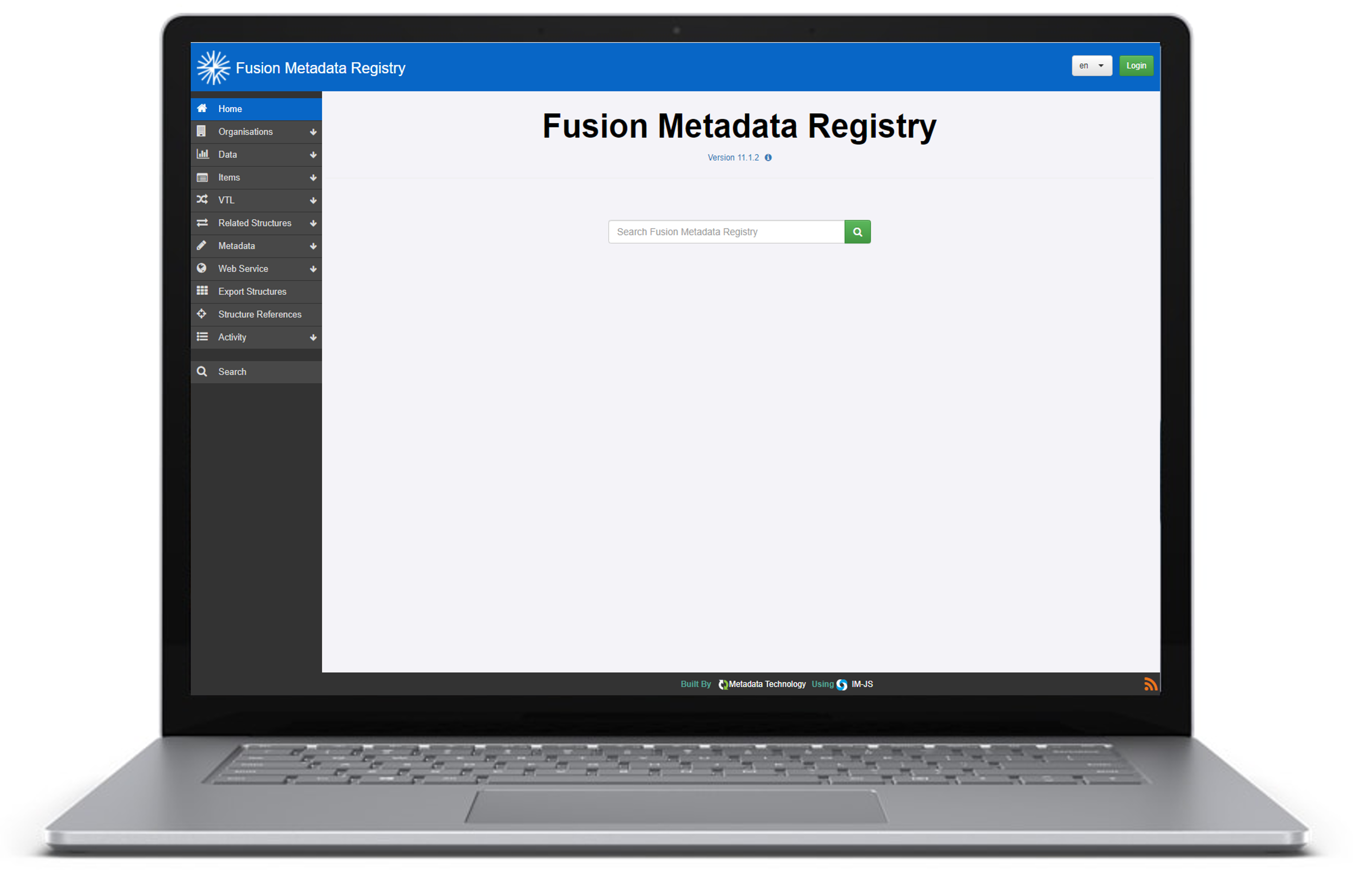
Fusion Metadata Registry (FMR) is a free to use structural metadata registry for SDMX supporting SDMX 2.0, 2.1 and 3.0, and EDI.
A BIS Open Tech initiative
FMR is owned by the Bank for International Settlements  and published under the BIS Open Tech initiative.
The BIS Open Tech is a platform for sharing statistical and financial software as public goods, by promoting international cooperation and coordination. These software tools are developed according to international best practices and standards and can be reused and further developed in a wide variety of environments.
FMR components
-
Fusion Metadata Registry
The foundational SDMX metadata registry coupling high-performance structural and referential metadata storage with a graphical user interface for exploring, authoring and maintenance.
-
Fusion Workbench
FMR derivative providing a graphical user interface for exploring, authoring and maintaining SDMX structural metadata on other platforms like the OECD's .Stat Suite and structure services on the SGDS.
-
Fusion Metadata Service
A simple, secure and scalable app designed for institutions to publicly disseminate SDMX structural metadata as an SDMX-compliant structure query REST API.
Pair with Fusion Workbench to allow users to interactively explore and retrieve structures.
-
sdmx-core
A comprehensive Java library for developing high-performance SDMX applications.
sdmx-coreis the latest evolution of the seminal SdmxSource library, reengineered and updated to support SDMX 3.+.
Quick start using Docker
- Get Docker Desktop
- At the operating system command prompt, run:
- Browse http://localhost:8080
- Log in: username
root, passwordpassword
- Get Docker Desktop
- At the operating system command prompt, run:
- Browse http://localhost:8080
Start by assembling some SDMX structural metadata to publish into a zip file called 'structures.zip', for example
Next, run the Fusion Metadata Service to publish the structures on an SDMX-compliant REST API:
- Get Docker Desktop
- At the operating system command prompt, run:
- Browse http://localhost:8080/sdmx/v2/structure?detail=allstubs - you should an SDMX XML message listing all the structures as stubs