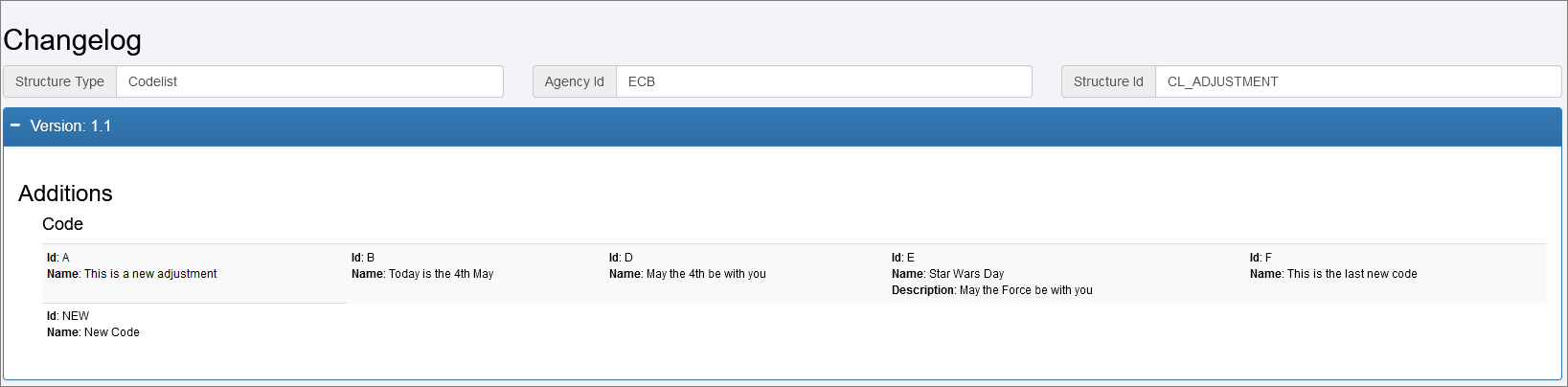
Changelog
The changelog function allows all of the changes between versions of a single structure to be viewable on a single page. The control to view a changelog is located under the table of structures and can be activated for any structure where more than one version exists in the Registry.

Once activated a new tab in the browser is opened with a view of the changes between the versions. A typical example is shown below:
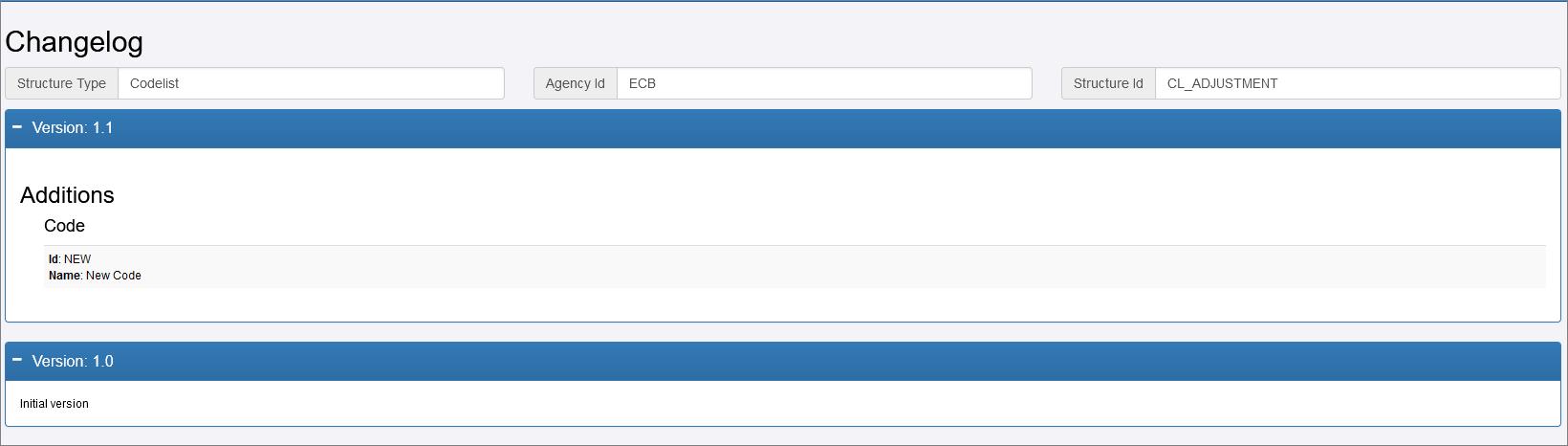
Each version is shown in its own section with the changes split into 3 distinct parts:
- Additions: Such as codes added to a codelist, or descriptions added to a structure.
- Removals: Items that have been removed from a structure.
- Edits: References of a structure being changed or the ordering of items being modified.
Note the expand and contract buttons which is useful if there are many differences between two versions:

Example of Expanded view