Modify a semantically versioned structure
This page explains how to change existing semantically versioned SDMX structural metadata artefacts in FMR.
Semantic versioning makes stable structures immutable. A stable version, such as 1.0.0, cannot be changed in place. If a Codelist, Concept Scheme, Data Structure Definition, or other stable artefact needs to change, FMR creates a new version and checks that the new version number is appropriate for the scale of the change.
Draft structures, such as 1.1.0-draft or 0.2.0, are different. They are non-stable and may be edited while modelling, review, testing, or approval is still in progress.
For the general rules on semantic versioning, see Semantic versioning. For the rules used to determine the minimum permitted version number for a change, see Structure versioning rules.
Choosing an approach
FMR provides three methods to modify a semantically versioned structure:
- Edit the stable structure and commit the change directly as a new stable version.
- Edit the stable structure and save the change as a draft, then continue iterating before publication.
- Copy the stable structure as a draft, then develop and publish the draft when it is ready.
Use the first option when the required change is already known, reviewed, and ready to publish. Use one of the draft options when the change needs further modelling, testing, discussion, or approval before it becomes the next stable version.
Option 1 - Edit and commit directly as a new stable version
This option creates the next stable version immediately. It is suitable for controlled changes where the intended content and version impact are already clear.
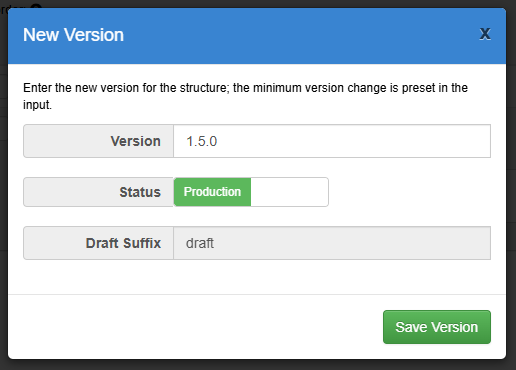
To use this approach, open the structure and choose the normal Edit Structure function. Make the required changes in the wizard. The version number does not need to be chosen before editing, because FMR determines the minimum new version number by comparing your changes with the latest stable version of the structure.
When you save, FMR analyses the difference between the current latest stable version and the revised structure. It then proposes the minimum version number permitted by the semantic versioning rules. For example, a breaking change requires a new major version, a material but backward-compatible change requires at least a new minor version, and a non-material change requires at least a new patch version.
You may choose a higher version number than the one proposed by FMR if your governance process requires it. You cannot choose a lower version number than the calculated minimum.
Option 2 - Edit and save as a draft
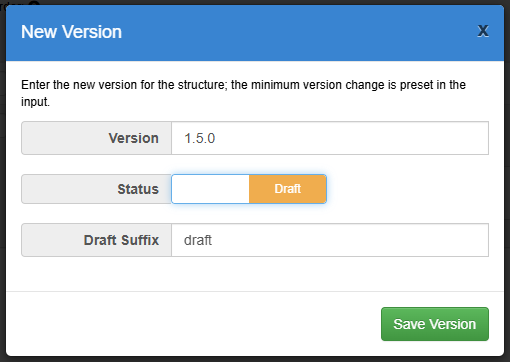
This option starts from an edit of the stable structure, but saves the revised content as a draft instead of publishing it immediately. It is useful when the change is based on the current stable structure but still needs iteration before it becomes the next stable release.
To use this approach, open the stable structure and choose the normal Edit Structure function. Make the initial changes in the wizard, then choose to save the result as a draft rather than committing it directly as a stable version.
FMR still uses the semantic versioning rules to determine the minimum version number that the draft could become when it is eventually published. The draft can then be edited freely while modelling work continues, because it is non-stable.
When the draft is complete, publish it as the next stable version. The final version number must be stable: it must use a three-part version number, must not have an extension, and must not have a zero major version number.
Option 3 - Copy as draft
This option creates a draft copy of the stable structure before any changes are made. It is useful when you want a clear working copy of the current stable artefact, or when the revision is likely to involve several modelling sessions before publication.
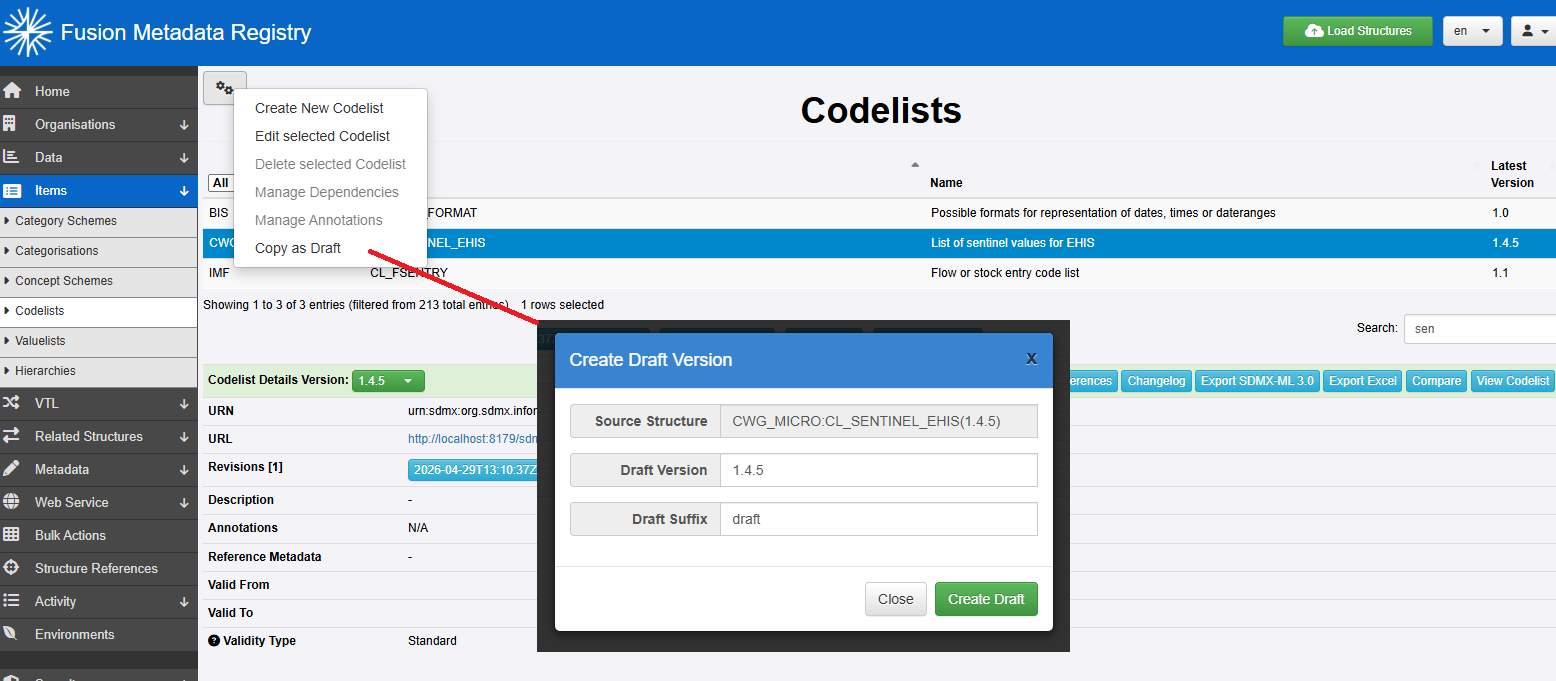
To use this approach, select the stable structure and use the copy function to create a draft of the new revision. The draft starts as a copy of the selected stable structure. You can then edit the draft as needed without changing the stable version that users and downstream processes may already depend on.
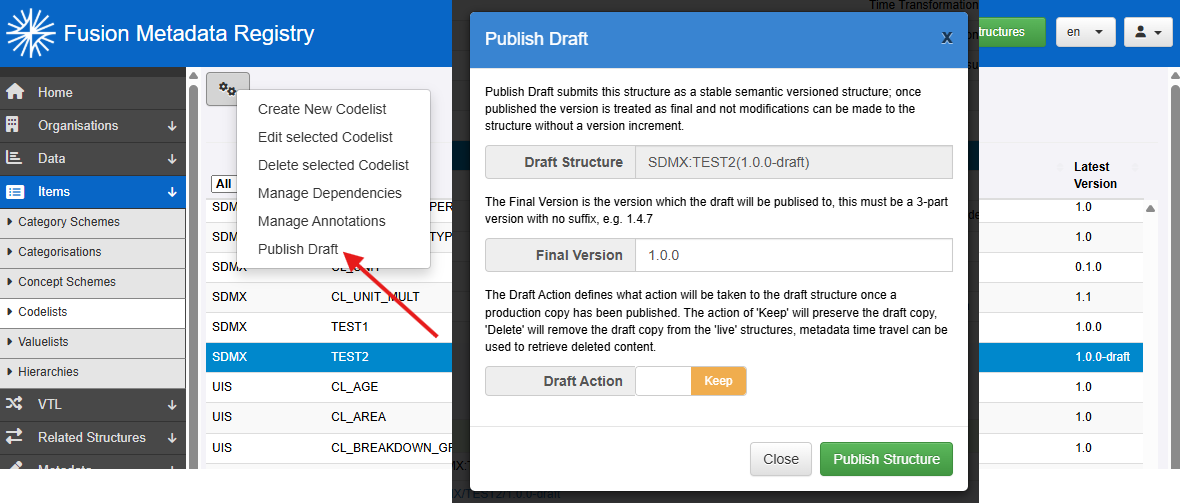
As with the save-as-draft approach, the draft may be edited freely while it remains non-stable. When the revised structure is ready, either edit the draft and save it as a production version, or use the Publish Draft function.
Publication creates the new stable version from the draft. The final version number must meet or exceed the minimum version required by the semantic versioning rules when compared with the latest stable version.