Delete Structure
To delete structure, you must be logged in as a user with either Admin or Agency permissions.
Navigate to the structure type using the left hand menu, for example to delete a Codelist, click on the Items menu followed by the Codelist Submenu, then select the Codelist to delete in the table.
If logged in, the page will show a Cogs icon on the top left of the Codelist table. This menu button contains actions that can only be performed by Admin or Agency users, such as the creation and deletion of structures.
Click on the Delete Selected [structure] button.

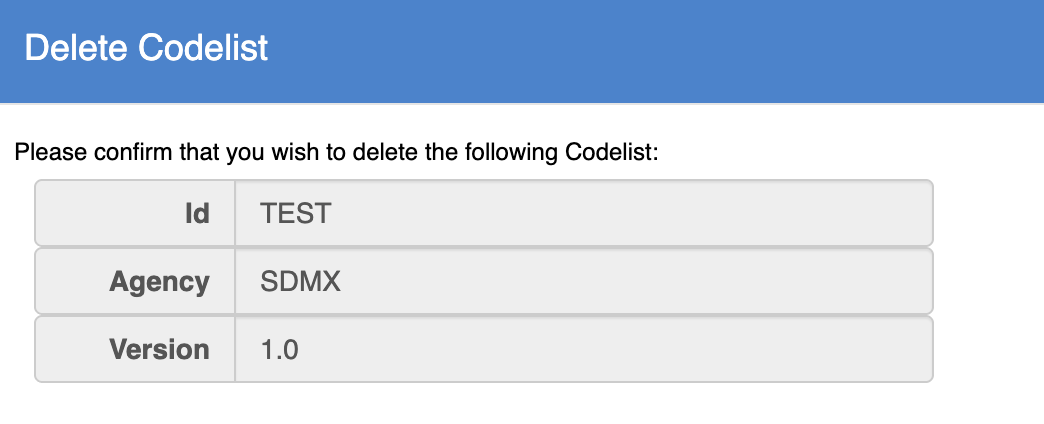
The FMR will perform referential integrity checks to ensure the structure is not referenced by another structure in the system. If the structure is not referenced, a confirm dialogue will open summarising the deletion request.
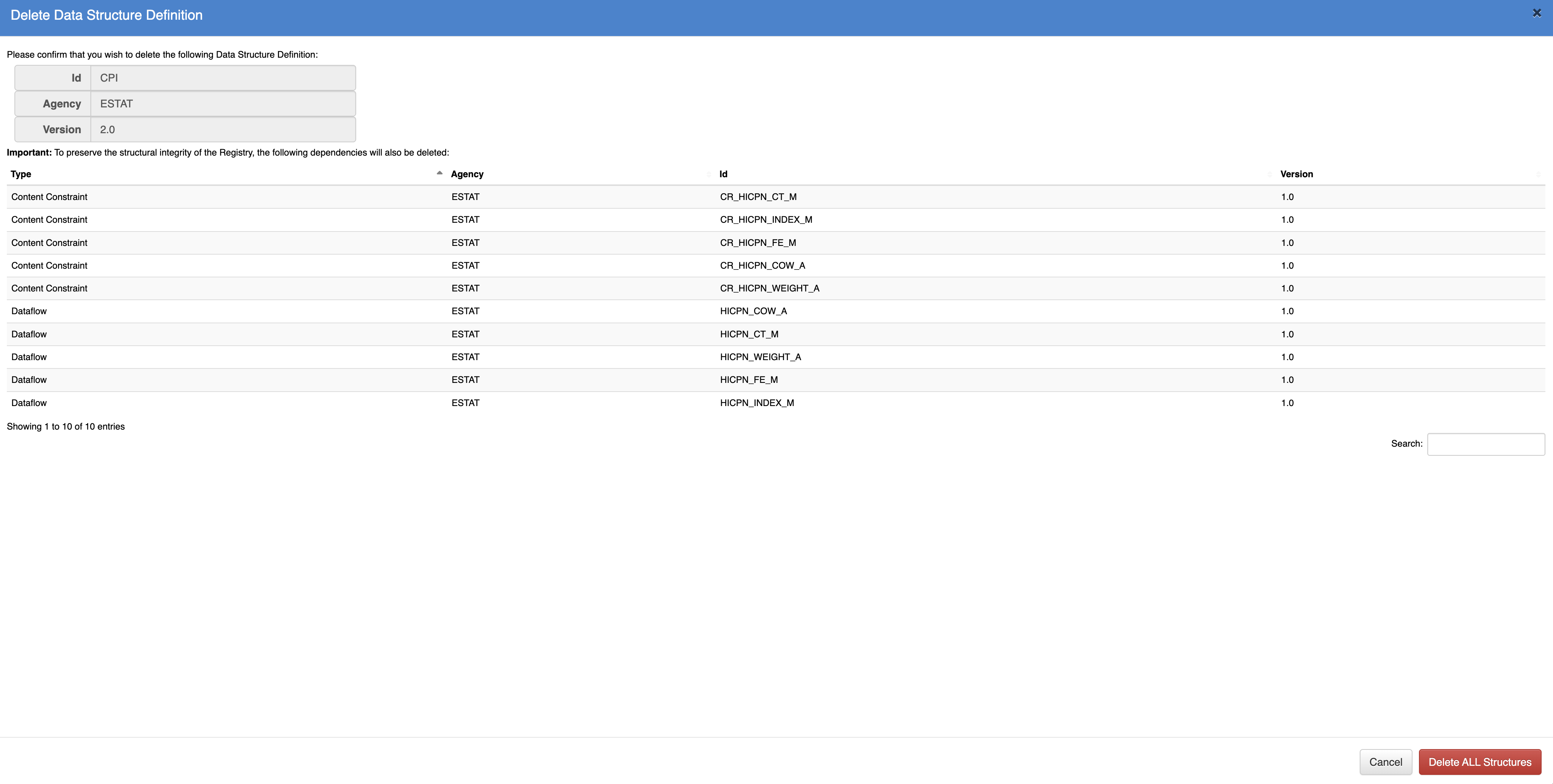
If the structure is being referenced, all the referencing structures must be deleted in addition to the structure that had the deletion request. The confirmation dialogue will display the summary of the deletion operation, click on Delete All Structures to confirm deletion of all the structures presented in the summary report.